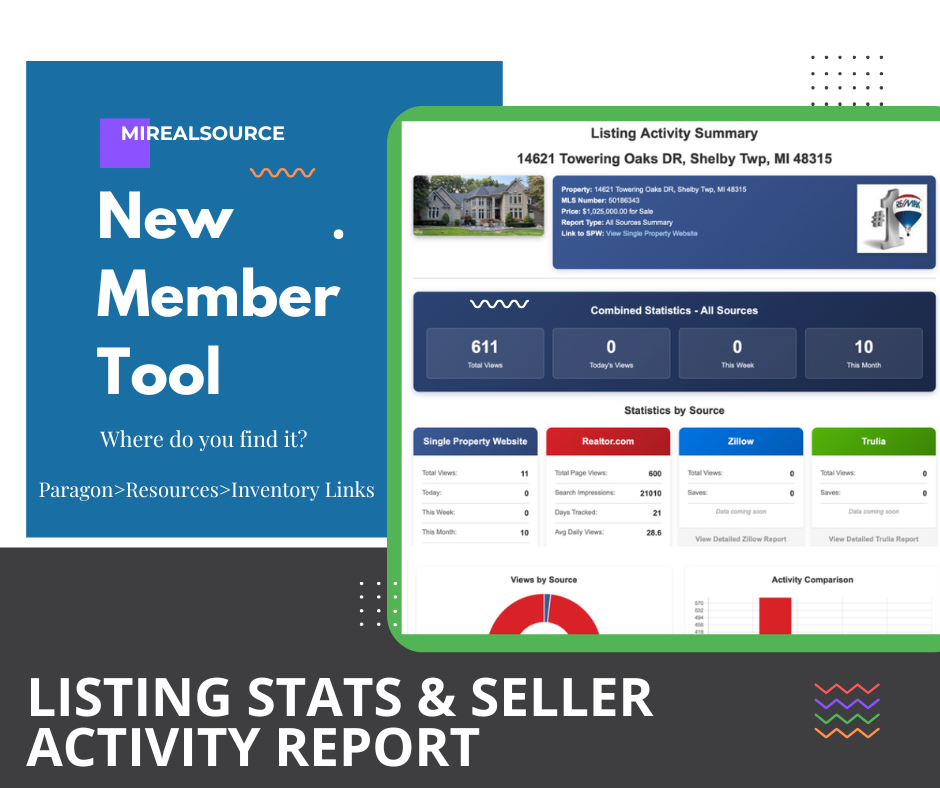
New Enhancements Added on the Listing Stats & Seller Activity Report
Late last year, we designed and launched a New Seller Activity Report with Listing Stats and how it is performing on the popular sites such as Zillow, Trulia, Realtor.com, and on the agents' MLS single property website.
Two new enhancements:
1.) We finally have Paragon's analytics with views, clicks and total impressions on activity within the MLS. So this includes the Collaboration Center and Paragon searching. (New)
2.) Assign to a Seller/Contact set up in Paragon. (New)
To assign to a seller, please follow the steps below.
- Paragon> Resources>Property Inventory Links>Assign to a Seller (under Listing Stats and Single Property Website links)
- Register to share access with a seller by using your Paragon login and password.
- Upon Logging in, you'll see a list of listing addresses and a button that says, "assign to a seller"
- Click "Assign to a seller" and select contact's name.
- Upon registering your Seller Contact, they will receive an email notification branded to you and inviting them to view their home's activity. The report site is always live to view but updated email and refresh will go out every Tuesday morning after collecting weekend activity.
